
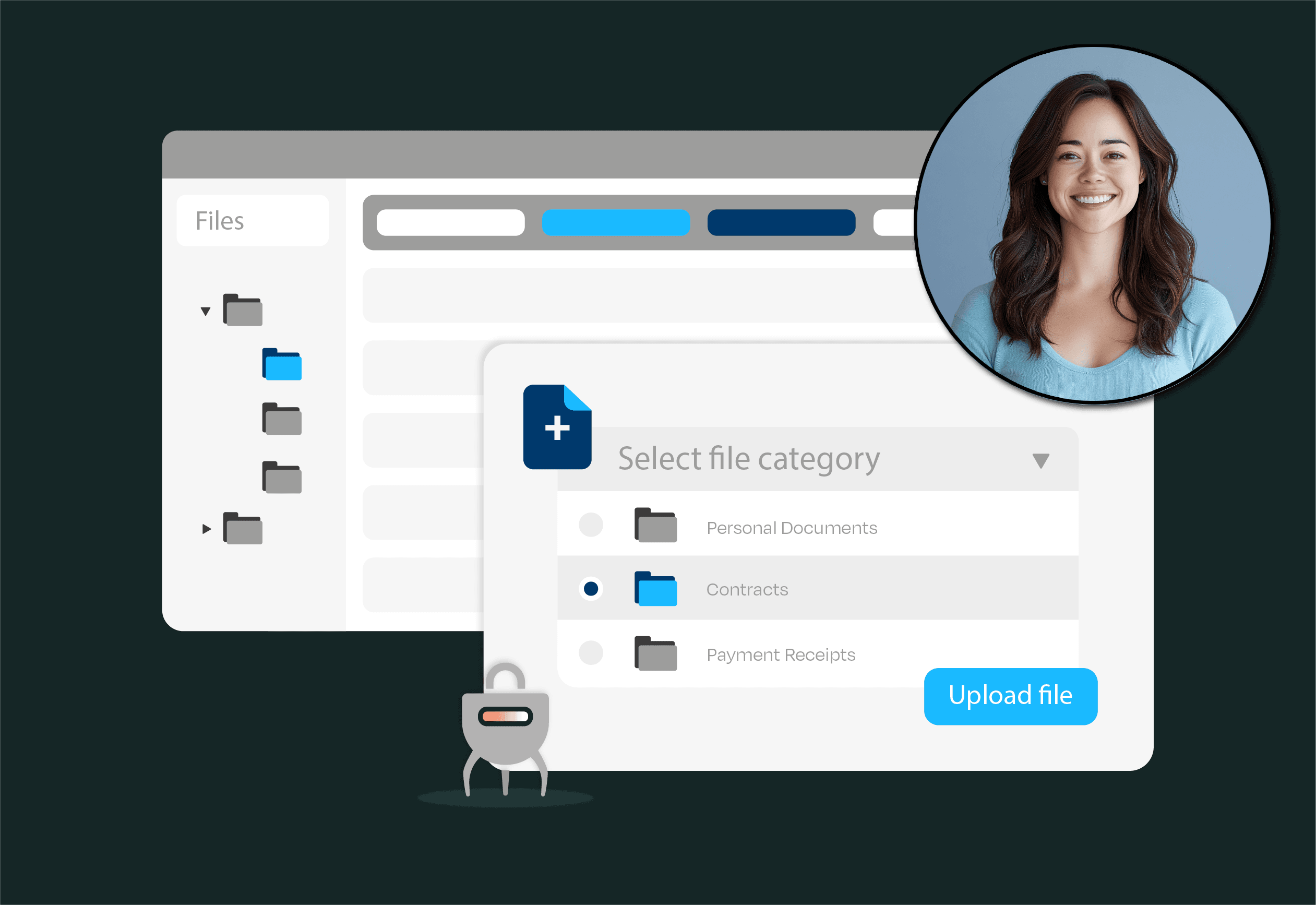
In today's fast-paced business environment, efficient handling of documents is critical to operations. Salesforce, a leading Customer Relationship Management (CRM) platform, has emerged as a pivotal tool for managing customer data and processes (1).
However, many organizations still treat document management as a separate silo outside of core Salesforce workflows. This disconnect often leads to scattered files, manual work, and lost productivity. Integrating document management directly into Salesforce workflows can bridge this gap, streamlining processes and boosting efficiency across the organization.
Organizations have historically managed documents as an appendix to the primary work, handled by separate systems or departments (2). Such separation means sales reps and service agents might store contracts, proposals, or case files outside of Salesforce – in email threads, local drives, or third-party repositories. This fragmentation creates several pain points:
These pain points illustrate why a closer coupling of document management with day-to-day workflows is necessary. Research has long suggested that integrating document management with work processes is a “much needed, quality-ensuring revolution” (2). Modern technology has made it practical to combine document management with workflow management for better efficiency (2) – essentially the promise of integrating document handling into Salesforce, where the work is happening.
Embedding document management into Salesforce directly addresses the above pain points and delivers substantial benefits. By unifying documents with the CRM data and processes, organizations can achieve multiple improvements in their way of working. We will touch on a number of such impactful benefits in this paragraph.
Improved Efficiency and Time Savings: An integrated Electronic Document Management System (EDMS) can reduce costs and improve process effectiveness by eliminating duplicate work and speeding up information retrieval (7). Teams no longer waste hours searching for files or recreating lost documents. In the earlier example, after implementing an EDMS, the institution measured a significant reduction in time spent handling documents – the improvement was even monetized to show tangible cost reduction, and the new system was deemed highly efficient in terms of time and quality (4). Salesforce itself is known to drive operational efficiency in organizations (1), and adding integrated document workflows amplifies this effect.
Enhanced Accessibility and Collaboration: When documents are attached to Salesforce records (accounts, opportunities, cases, etc.), everyone who needs them can find them in one click. This enhanced accessibility means no more chasing down colleagues for the latest file version. According to a recent study, benefits of EDMS like improved efficiency, better collaboration, and increased security strongly contribute to users perceiving the system as useful (6). Team members can collaborate in real-time, updating or commenting on documents within Salesforce. Features such as version control and check-in/out ensure that everyone works on the latest information.
Streamlined Workflows and Automation: Natively integrated document management enables automated workflows that trigger based on document events. For instance, when a contract is uploaded, Salesforce could automatically notify Legal for review or kick off an approval process. Routine tasks like document routing, tagging, or even generation can be automated, saving time and reducing human error. Research highlights that an EDMS offering improved document organization, quick search capabilities, and automation of routine tasks significantly improves users’ ease of use and productivity (6). In practice, this might mean sales proposals are auto-generated from templates with Salesforce data, or support case attachments auto-filed under the right account – all without manual intervention.
Better Compliance and Security: With documents managed inside Salesforce, organizations can enforce consistent security controls and retention policies. Permissions can mirror Salesforce’s role hierarchy, ensuring only authorized personnel access sensitive files. Audit trails (who viewed or edited a document and when) are easier to maintain. Integrated systems help companies comply with information management legislation, keep information safe and secure, and diminish chances of data loss (7). For regulated industries, having all customer interactions and documents in one system of record simplifies compliance audits and reporting.
Increased Productivity and User Satisfaction: Ultimately, bringing documents into the Salesforce workflow means users have everything they need on one platform. A well-integrated solution streamlines work processes and improves overall productivity (6). Users are more likely to embrace the system since it aligns with their daily tasks rather than interrupting them. When employees can easily store, find, and manage documents without leaving Salesforce, they perceive the system as user-friendly and efficient, encouraging higher adoption rates (6). This creates a positive feedback loop: tangible benefits (faster processes, fewer errors) drive user adoption, which in turn reinforces those benefits as more people consistently use the system.
In addition to these overarching benefits, an integrated document management solution brings all the functionality of a full EDMS into the CRM environment. Key capabilities typically include document capture, indexing (using metadata like customer or case IDs), robust search (e.g., full-text search within attachments), and workflow features like approvals and task assignments. In one survey of users defining an ideal DMS, top priorities included secure access control, easy document upload and sharing, search and retrieval features, approval workflows, and even integration with other systems (3). Delivering these capabilities natively within Salesforce means users don’t have to sacrifice functionality for convenience – they get the best of both worlds.
When deciding to integrate document management with Salesforce, a critical consideration is whether to use a native solution (built on the Salesforce platform) or an external system connected via integrations. Native Salesforce document management solutions offer several advantages that directly impact efficiency and adoption, such as the ones described below.
Seamless User Experience: Native applications live inside Salesforce, so users access documents in the same interface they use for accounts and opportunities. There’s no need to log into a separate app or learn a new interface. This reduces resistance to change. By contrast, if users must jump to an outside system, they may procrastinate on filing documents or resort to saving files on their desktop. In fact, studies have observed that after a standalone EDRM (Electronic Document and Records Management) system was introduced, not all staff would regularly use it – many continued using “unsafe, secondary solutions” like local drives or USB sticks (7), undermining the benefits of the new system. A tightly integrated, native solution avoids this pitfall by making the correct way also the easy way.
Unified Security and Data Model: A native document management app can leverage Salesforce’s security model (sharing settings, role hierarchies, object permissions) out of the box. There’s no need to duplicate user management in another system or worry about syncing access controls. Documents attached to records inherit the same protection as other Salesforce data. Additionally, data and files stored natively (or via a native app) can be included in Salesforce’s reporting and analytics, giving a more complete picture. Compliance is strengthened when all records and documents are governed under one platform’s policies.
Lower Integration Complexity: Using non-native, external document repositories (like a separate cloud DMS) typically requires complex integration work – configuring APIs, maintaining synchronization of data, and dealing with potential points of failure. These can introduce bugs or delays (e.g., a contract not appearing in Salesforce because an integration job failed). Native solutions eliminate those issues by design. Everything is on platform, which also means less IT overhead for maintenance and updates. As a result, the solution is more reliable and cost-effective in the long run.
Leveraging Salesforce Features: A native document management solution can tap into the rich features of the Salesforce platform. For example, documents can be linked with Salesforce automation tools like Flow or Approval Processes. Users can collaborate on documents using Chatter (Salesforce’s internal social feed) by @mentioning colleagues on a file. They can even access documents on Salesforce mobile apps seamlessly. External systems often cannot match this level of deep feature integration. By being part of the Salesforce ecosystem, document management becomes another powerful component of the CRM workflow rather than an add-on.
For these reasons, it is often preferable to choose a native or Salesforce-centric document management solution when possible. For instance, solutions like Cartularius embed document management directly within Salesforce, providing an intuitive in-platform experience. Such tools take advantage of Salesforce’s cloud infrastructure and can even integrate with external storage behind the scenes (e.g., leveraging Amazon S3 for file storage) while still appearing native to users. The result is a seamless blend – users work with documents in Salesforce just as easily as any standard Salesforce object, and behind the scenes the organization benefits from scalable storage and advanced document functionalities. By using a native approach, businesses ensure that document management enhances their Salesforce workflows rather than complicating them.
Automation is a key factor in driving efficiency with integrated document management. Once documents and data live in the same Salesforce environment, a multitude of processes can be automated or intelligently streamlined. We will briefly touch on a number of them here.
Automated Document Generation: Salesforce data can auto-populate document templates (for quotes, contracts, invoices) using tools like Salesforce’s native merge templates or third-party apps. Instead of manually drafting repetitive documents, staff can trigger generation with a click, ensuring consistency and saving time.
Intelligent Filing and Tagging: With integration, documents can be automatically tagged with metadata from Salesforce. For example, when a customer uploads a file through a portal, it can be programmatically linked to the right Account or Case record and labeled with the case number, customer ID, and date. This eliminates the need for users to manually organize files. In advanced setups, AI-based tools can even read document contents to suggest tags or classify the document type (e.g., distinguish a contract from an invoice) – bringing an element of semantic automation into the workflow. In the legal domain, for instance, researchers have developed systems that automatically transform scanned paper documents into indexed, retrievable digital records (8), drastically reducing manual data entry.
Workflow Triggers and Approvals: A fully integrated system allows Salesforce workflow rules or Flow to react to document events. For example, adding a "Purchase Order" document to an opportunity could trigger an approval request to a manager, or send an alert to the finance team. Likewise, if a required document is missing at a certain stage (say, no ID proof attached to a customer onboarding case), the system can automatically notify the responsible user or even prevent progression to the next stage until the document is provided. This level of enforcement ensures process compliance without constant managerial oversight.
Routine Task Automation: Many mundane tasks – such as renaming files to a standard format, converting document formats (e.g., to PDF), or moving documents to an archive upon case closure – can be handled by the system. By automating these, companies reduce errors (no more forgetting to attach the updated file) and free up employees for higher-value work. Indeed, one study notes that automation of routine document tasks is a significant benefit that improves users’ perception of ease-of-use in EDMS (6). When the system handles the busywork, users experience less friction in their day-to-day jobs.
Incorporating automation not only speeds up operations but also enforces best practices. Business rules can be built into the document workflow. For instance, if a certain contract requires legal review, the system can automatically route it to the legal team’s queue and even remind them if it’s pending for too long. Such capabilities ensure that workflows are consistent and nothing falls through the cracks. They also contribute to transparency – everyone can see where a document is in the process, without having to send emails or chase updates.
Salesforce’s platform is well-suited for these automations. Tools like Salesforce Flow (low-code automation), approval processes, and even AI services (Einstein Vision, etc., for scanning and classifying documents) can be leveraged once the documents are in the ecosystem. The end result is a highly efficient, self-driving document workflow. A prime advantage of native solutions (such as Cartularius) is that they often come with pre-built automation features and tight integration to these Salesforce tools, meaning businesses can quickly configure automated document processes with clicks rather than custom code. By using automation wisely, companies ensure that integrating document management into Salesforce not only makes things faster but also smarter.
To understand the impact of these integrations, consider a real-world scenario of a sales organization before and after integrating document management into Salesforce:
Before integration: A sales team at a mid-sized company manages customer proposals and contracts outside of Salesforce. Reps store proposal drafts on their local drives or in a shared cloud folder. When a deal moves to negotiation, they email the contract to the client, receive redlines back, save new versions with names like Final_contract_v3_final.pdf on their desktop, and eventually upload something to Salesforce for record-keeping (often long after the deal is closed). The service team, meanwhile, might not see the signed contract in Salesforce because it’s sitting in someone’s email. This process is riddled with delays and risks:
After integration: The company implements a Salesforce-native document management solution that integrates with Microsoft Office 365. Now, when a deal reaches the contract stage, Salesforce automatically generates a draft contract document and attaches it to the opportunity. The sales rep revises it directly in Salesforce, which automatically adds a new version to the document. In this way, the document remains unique and a version history is available at the opportunity record. Legal is automatically notified through Salesforce as soon as the first draft is generated, and they can review the document right inside Salesforce, commenting or approving it. Once signed, the final contract is saved under the account and opportunity in a direct related folder that is shared between Salesforce records that a have a pre-determined relationship (thus avoiding duplicates), tagged as "Signed Contract - ". A renewal task is automatically created for the account manager, with the contract file readily available.
The difference in this scenario is night and day. What was once chaotic is now a structured flow:
This example highlights how integrating document management into Salesforce not only solves common pain points but also unlocks new capabilities (like automated insights and smoother handoffs between teams). It turns document management from a source of frustration into a source of organizational strength.
Integrating document management into Salesforce is more than a convenience – it’s a strategic move that enhances efficiency, transparency, and control. By bringing documents into the orbit of Salesforce’s powerful process automation and data capabilities, businesses can streamline operations in ways that were previously cumbersome or impossible. The benefits range from very tangible (hours saved, faster cycle times, fewer errors) to strategic (better knowledge retention, improved compliance, happier customers and employees). Modern organizations operate in an information-rich environment, and documents (contracts, proposals, forms, etc.) carry much of that information. Managing them in tandem with customer data is simply prudent.
Equally important is how you integrate. Using native solutions and leveraging automation ensures that the integration effort yields maximum returns. As discussed, a well-chosen Salesforce-native document management tool can embed seamlessly into user workflows (driving adoption), enforce security and compliance uniformly, and take full advantage of Salesforce features like workflow automation. Automation acts as a force multiplier – once set up, it tirelessly handles repetitive tasks and keeps processes moving efficiently in the background.
In summary, integrating document management into Salesforce transforms what might be a manual, error-prone aspect of work into a digital, optimized asset. It empowers teams to focus on their core objectives (selling, servicing customers, innovating) rather than chasing paperwork. With the right approach, including possibly a solution like Cartularius for a particularly tight integration, companies can turn document management from a pain point into a competitive advantage. This integration ensures that Salesforce, as the central nervous system of customer operations, truly contains everything needed to get work done – data, process, and content – all in one place.
Install Cartularius now and experience the best Salesforce document management solution and enjoy clean and structured data and optimized processes, risk-free for 30 days.